


Best Cheap Laptops in the UK: 2026 Buying Guide
Affordable Laptops That Deliver in 2026
Finding the best cheap laptops in the UK in 2026 doesn’t mean settling for poor performance or outdated features. With rapid advancements in technology, even budget-friendly laptops now offer impressive speed, solid battery life, and sleek designs—perfect for students, remote workers, and everyday users.
The money-saving team at UKDealsFinder.com brings you this comprehensive buying guide, designed to help you make smarter choices without stretching your budget. In this guide, we break down the top affordable laptops currently available in the UK, highlighting the best options for students, professionals, and everyday users. You’ll also learn what key features to look for when buying on a budget, from performance and battery life to build quality and storage. Plus, we’ll share practical tips on how to maximize value, spot the best deals, and avoid overspending while still getting a reliable and efficient laptop that meets your needs.
What Defines a “Cheap” Laptop in the UK?
In 2026, a “cheap” laptop typically falls within the £200 to £600 range. Within this bracket, you can find devices suitable for:
- Web browsing and streaming
- Office work (Word, Excel, Google Docs)
- Online classes and remote work
- Light photo editing
- Basic multitasking
Spending smartly within this range can get you a device that lasts several years.
Key Features to Look for in a Budget Laptop
1. Processor (CPU)
The processor determines overall speed. Look for:
- Intel Core i3 (12th gen or newer)
- AMD Ryzen 3 or Ryzen 5
- Avoid older Celeron or Pentium unless extremely budget-constrained
2. RAM
- Minimum: 8GB (essential in 2026)
- 16GB if you multitask heavily
3. Storage
- SSD is a must (faster than HDD)
- Aim for at least 256GB SSD
4. Display
- Full HD (1920×1080) resolution
- IPS panels for better viewing angles
5. Battery Life
- Look for at least 6–10 hours for daily usability
Best Cheap Laptops in the UK (2026)
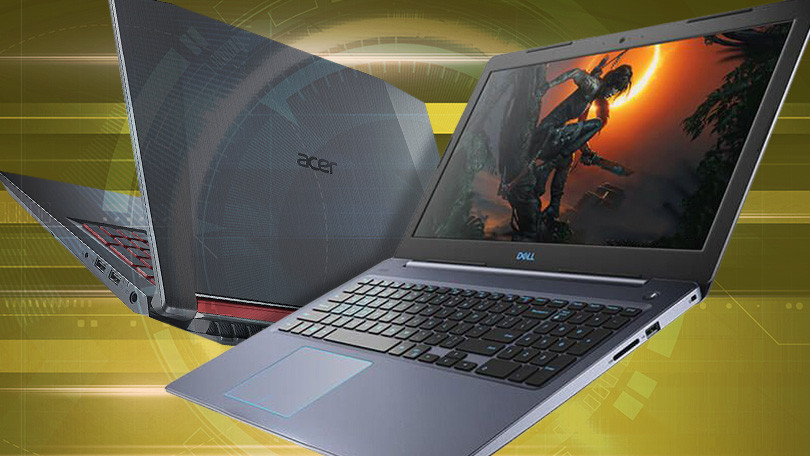
1. Acer Aspire 3 (2026 Edition)
Best overall budget laptop
- AMD Ryzen 5 processor
- 8GB RAM / 512GB SSD
- 15.6” Full HD display
- Excellent value for under £500
Why buy it?
Reliable performance for everyday tasks, great keyboard, and solid build quality.
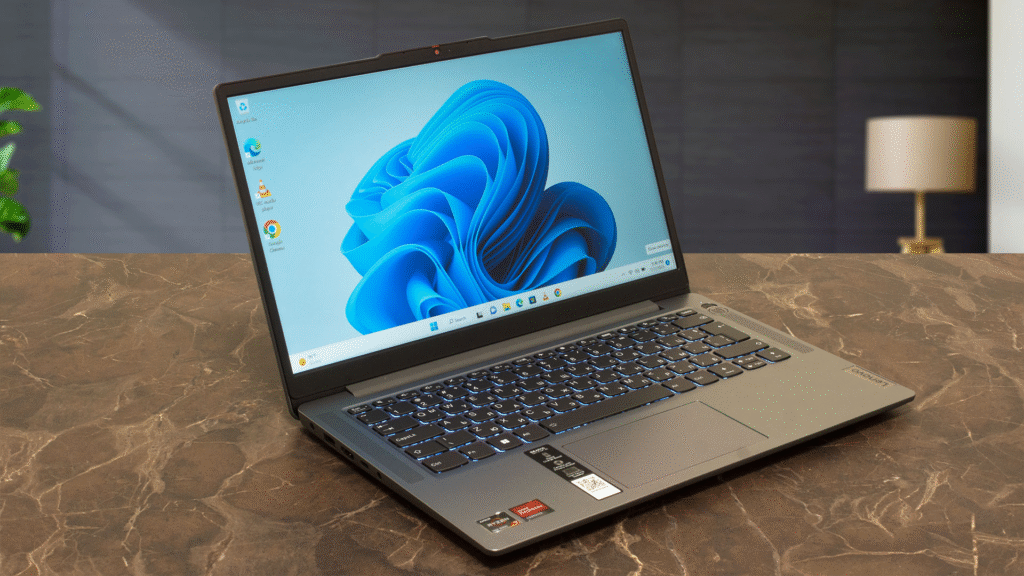
2. Lenovo IdeaPad Slim 3
Best for students
- Intel Core i3 (13th Gen)
- Lightweight and portable
- Long battery life
- Typically priced around £400
Why buy it?
Perfect for note-taking, assignments, and online learning.
3. HP 14s Laptop
Best compact option
- AMD Ryzen 3
- Slim and stylish design
- Fast SSD storage
- Affordable under £450
Why buy it?
Great balance between portability and performance.
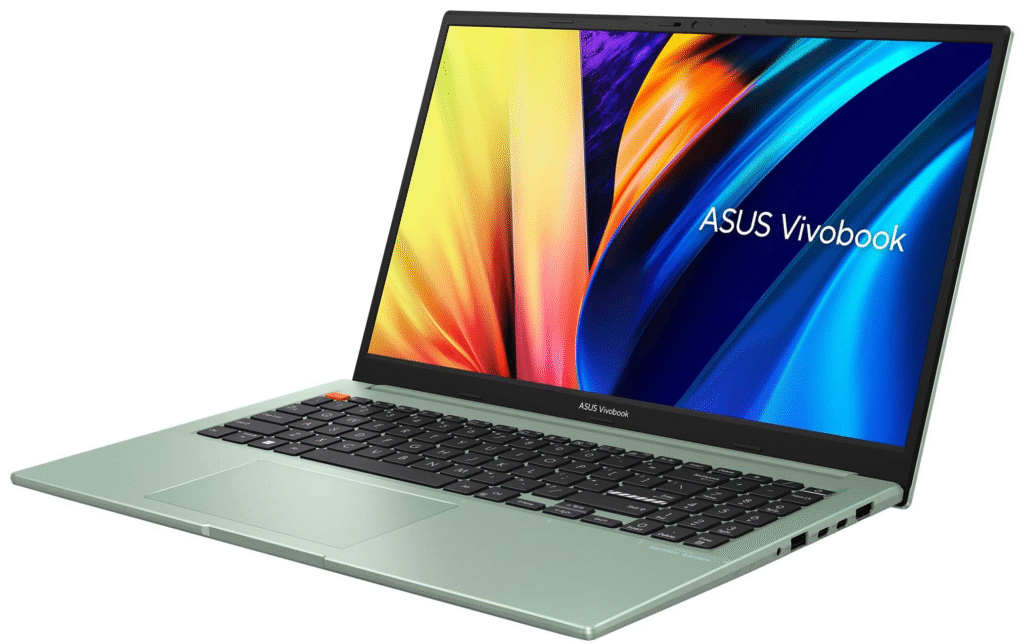
4. ASUS VivoBook 15
Best for multitasking
- Intel Core i5 option available under £600
- 8GB–16GB RAM configurations
- NanoEdge display for immersive viewing
Why buy it?
Handles multiple apps smoothly—ideal for work and light editing.
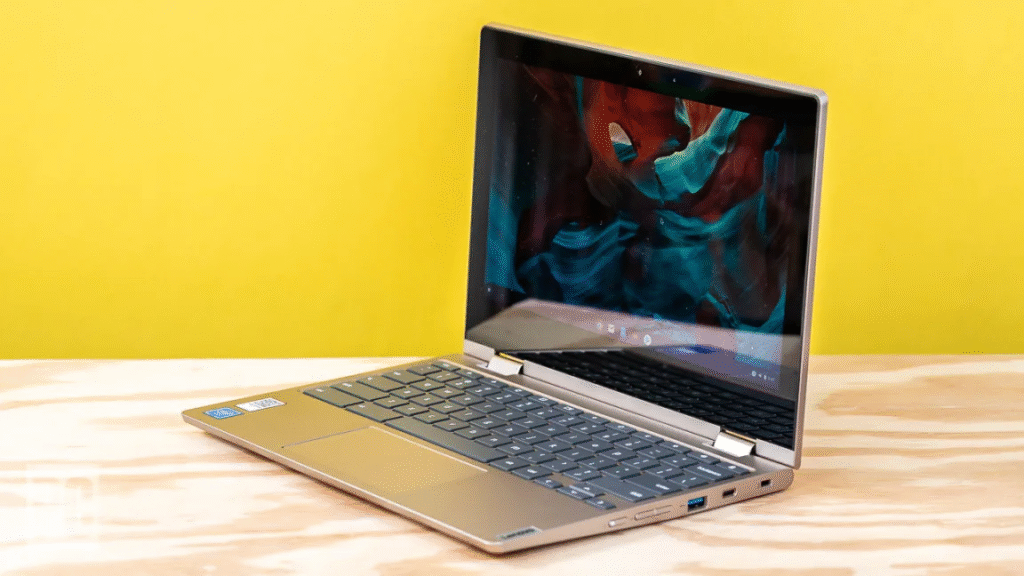
5. Chromebook Plus Devices (Various Brands)
Best ultra-budget option
- ChromeOS (lightweight and fast)
- Long battery life (up to 12 hours)
- Prices start around £250
Why buy it?
Perfect for browsing, streaming, and cloud-based work.
Windows vs Chromebook: Which Should You Choose?
Choose Windows if:
- You need Microsoft Office (full desktop versions)
- You use specific software (e.g., Photoshop, accounting tools)
- You want flexibility and compatibility
Choose Chromebook if:
- You mainly use Google apps
- You want simplicity and speed
- You’re on a tight budget
Where to Find the Best Laptop Deals in the UK
To get the best prices, check:
- Amazon UK
- Currys
- Argos
- John Lewis
- eBay (refurbished deals)
Pro Tip:
Look for seasonal sales like:
- Black Friday
- Back-to-school deals
- Boxing Day sales
You can often save 20–40% on already affordable laptops.
New vs Refurbished Laptops
New Laptops
- Full warranty
- Latest hardware
- Better long-term reliability
Refurbished Laptops
- Much cheaper
- Often business-grade (better build quality)
- Ideal if bought from certified sellers
Common Mistakes to Avoid
- Buying less than 8GB RAM
This will slow down your laptop quickly. - Choosing HDD over SSD
SSD is essential for speed. - Ignoring build quality
Cheap doesn’t mean fragile—check reviews. - Overpaying for brand names
Focus on specs, not logos.
Tips to Maximize Your Budget
- Buy last year’s model (huge savings)
- Upgrade RAM later if possible
- Use student discounts if available
- Consider bundle deals (laptop + accessories)
Who Should Buy a Cheap Laptop?
Cheap laptops are perfect for:
- Students on a budget
- Freelancers and remote workers
- Families needing a secondary device
- Casual users (streaming, browsing, emails)
If you’re a gamer or video editor, you may need to spend more—but for most people, budget laptops are more than enough.
Final Thoughts: Best Value Without Breaking the Bank
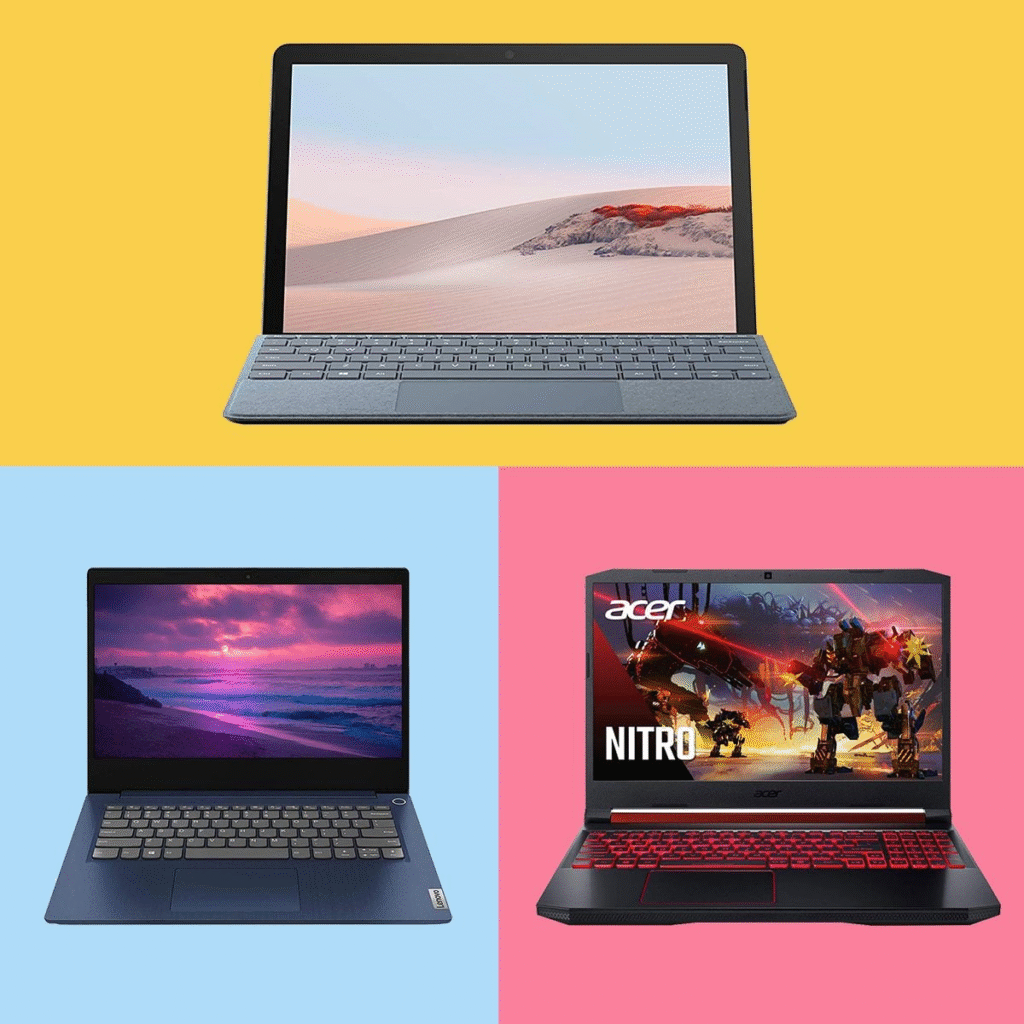
In 2026, the UK laptop market offers incredible value for budget-conscious buyers. Whether you choose an Acer Aspire 3 for all-around performance or a Chromebook for simplicity, there’s a cheap laptop that fits your needs.
The key is to focus on performance essentials (CPU, RAM, SSD) and avoid unnecessary extras. With the right choice, you can enjoy a fast, reliable laptop without overspending.
Quick Summary
- Budget range: £200–£600
- Minimum specs: 8GB RAM, 256GB SSD
- Best overall: Acer Aspire 3
- Best for students: Lenovo IdeaPad Slim 3
- Best ultra-budget: Chromebook